

How TiffinCloud works
The core pieces of TiffinCloud and how they fit together.
What TiffinCloud is
TiffinCloud runs the operations side of a tiffin, mess, or cloud-kitchen delivery business. It handles subscriptions, daily kitchen prep counts, delivery tracking, dabba (container) tracking, and payment reminders, so you are not doing all of that from a notebook or a dozen WhatsApp chats.
There is no commission on what your customers pay you. Customers pay you directly (cash on delivery or UPI), upload proof, and you approve it. The subscription fee you pay for the software is separate and fixed, it does not change based on how much your customers spend.
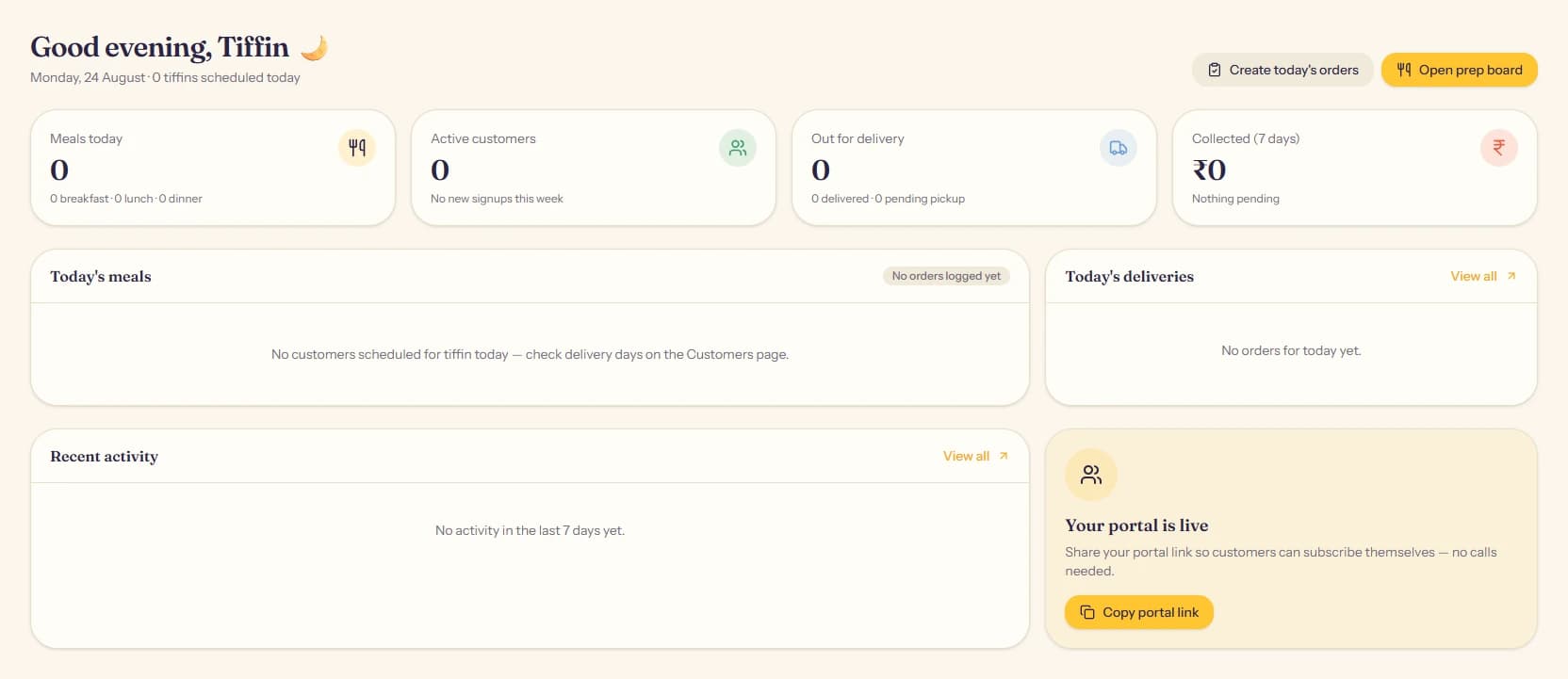
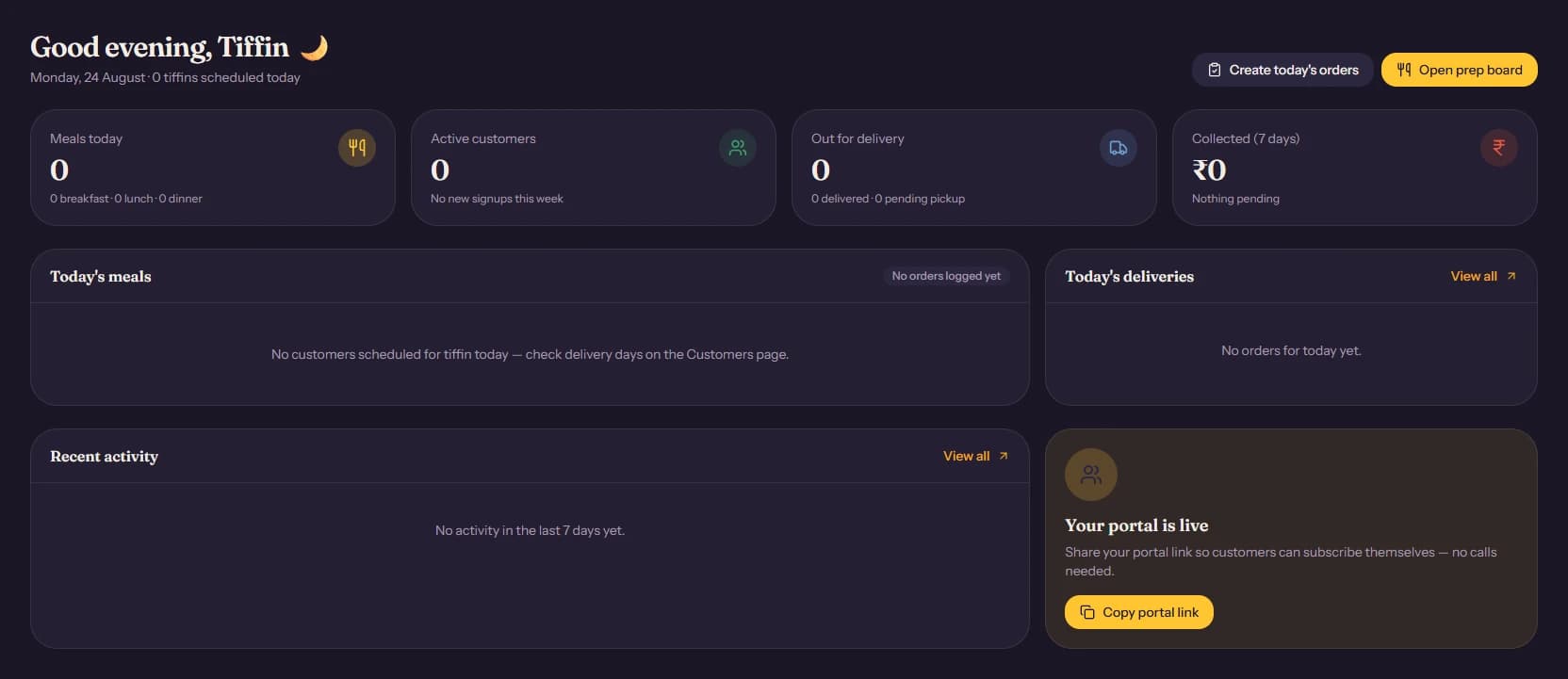
The pieces
A few concepts show up everywhere in the dashboard. Once these click, the rest of the app is mostly just screens for editing them.
Menu items are the dishes you cook: roti, dal, rice, a dessert, a beverage. Each one has a category and, if it is sold separately, a price. See Menu & Extras.
Plans are what you actually sell. A plan bundles menu items into a Breakfast/Lunch/Dinner box at one flat monthly price. See Plans.
Customers are the people you deliver to. Each one has an address, a delivery schedule, and a subscription (which plan they are on, and until when). See Adding a customer.
Orders are generated automatically, once a day, from your active customers' subscriptions. This is what the kitchen prep board and delivery list are built from.
Payments track what each customer owes for their current subscription period. A customer uploads a screenshot of their UPI transfer (or you mark it paid for cash on delivery), and you approve it. See Payments.
The customer portal
Every business on TiffinCloud gets its own public signup page
(tiffincloud.com/portal/your-shop-name). Customers can register
themselves, pick a plan, and pay, without you filling in a form for them.
They can also log back in later to renew, skip a day, or check their
container balance. Share that link on WhatsApp, on your storefront, or
anywhere else your customers already are.
Roles
Everyone who works in your dashboard is a "member" of your organization, with one of three roles:
- Admin can do everything, including billing and inviting other staff.
- Manager can run day-to-day operations (customers, orders, deliveries, payments) but cannot change billing or remove staff.
- Driver gets a stripped-down view: just today's deliveries, with a slider to mark each one as delivered.
You invite staff from Settings → Users.