

Menu & Extras
Setting up your dish catalog, and the difference between a bundled item and a paid extra.
The catalog
Menu & Extras (Menu & Extras in the sidebar) is your dish catalog:
roti, dal, rice, sabzis, desserts, drinks, whatever you serve. It is not
where you set prices for a customer's plan, that happens on the
Plans page. This page just defines what dishes exist.
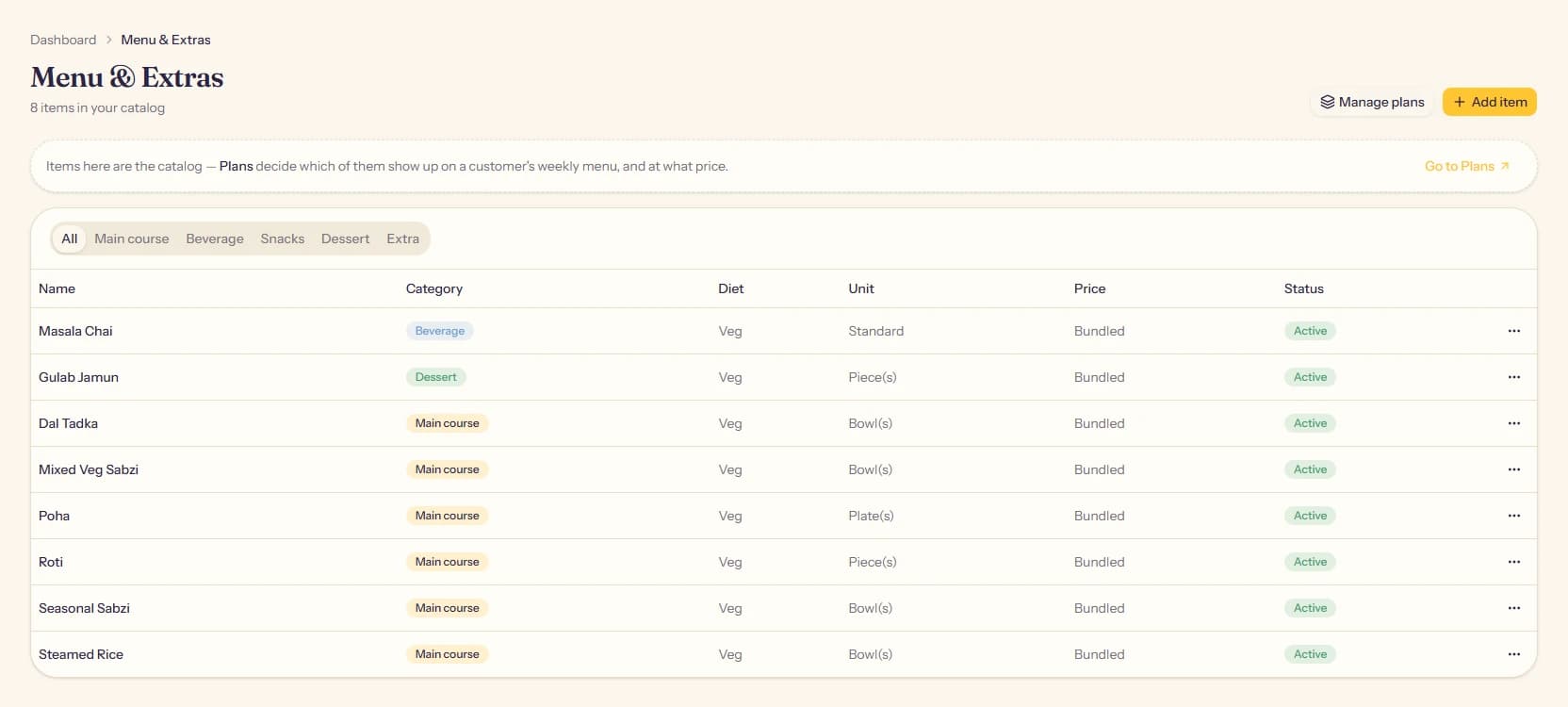
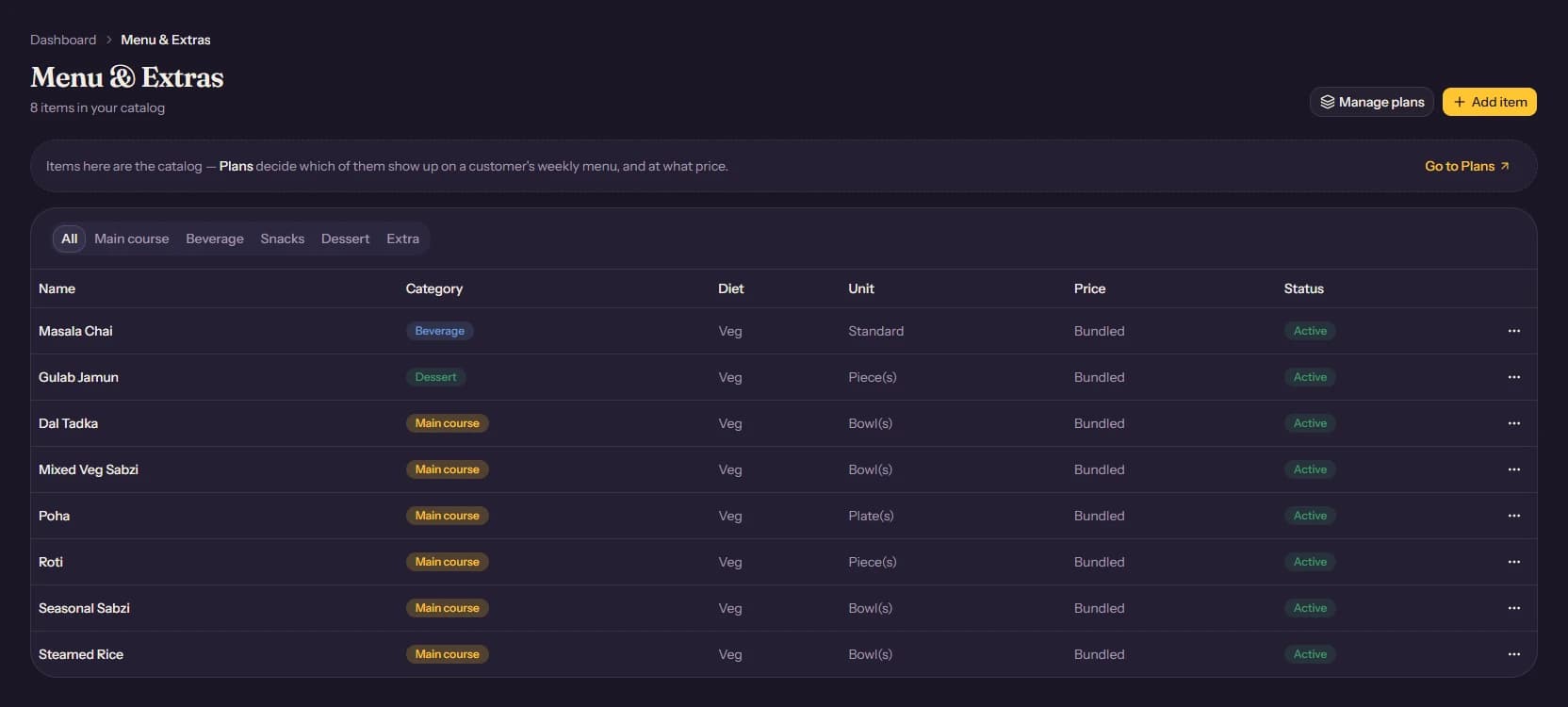
Each item has:
- Name, the dish name shown internally and on printed labels.
- Category: Main course, Beverage, Snacks, Dessert, or Extra.
- Diet: Veg or Non-veg.
- Unit: piece, bowl, plate, or a plain "standard" serving, whichever matches how the kitchen measures it.
- Price: what it costs if sold on its own. Main course items are usually priced at ₹0, since they are bundled into a plan instead.
Bundled versus Extra
This is the one distinction that matters most here.
A Main course (or Beverage/Snacks/Dessert) item with price ₹0 is meant to be bundled into a plan's box. It shows up on the kitchen prep board and delivery labels because a plan includes it, not because anyone paid for it directly.
An Extra is a paid add-on. A customer can attach it to their subscription for an extra charge on top of their plan's price, things like a weekend dessert or a second beverage. Extras are the only category shown as options on the customer signup form.
Adding an item
Click Add item, fill in the name, category, diet, and unit, and set a price only if it is meant to be sold separately. Save it, then go bundle it into a plan on the Plans page, that step is what actually makes it appear on anyone's tiffin.